
BEFORE YOU INVITE YOUR PEOPLE
Free digital baby shower invitations with RSVP
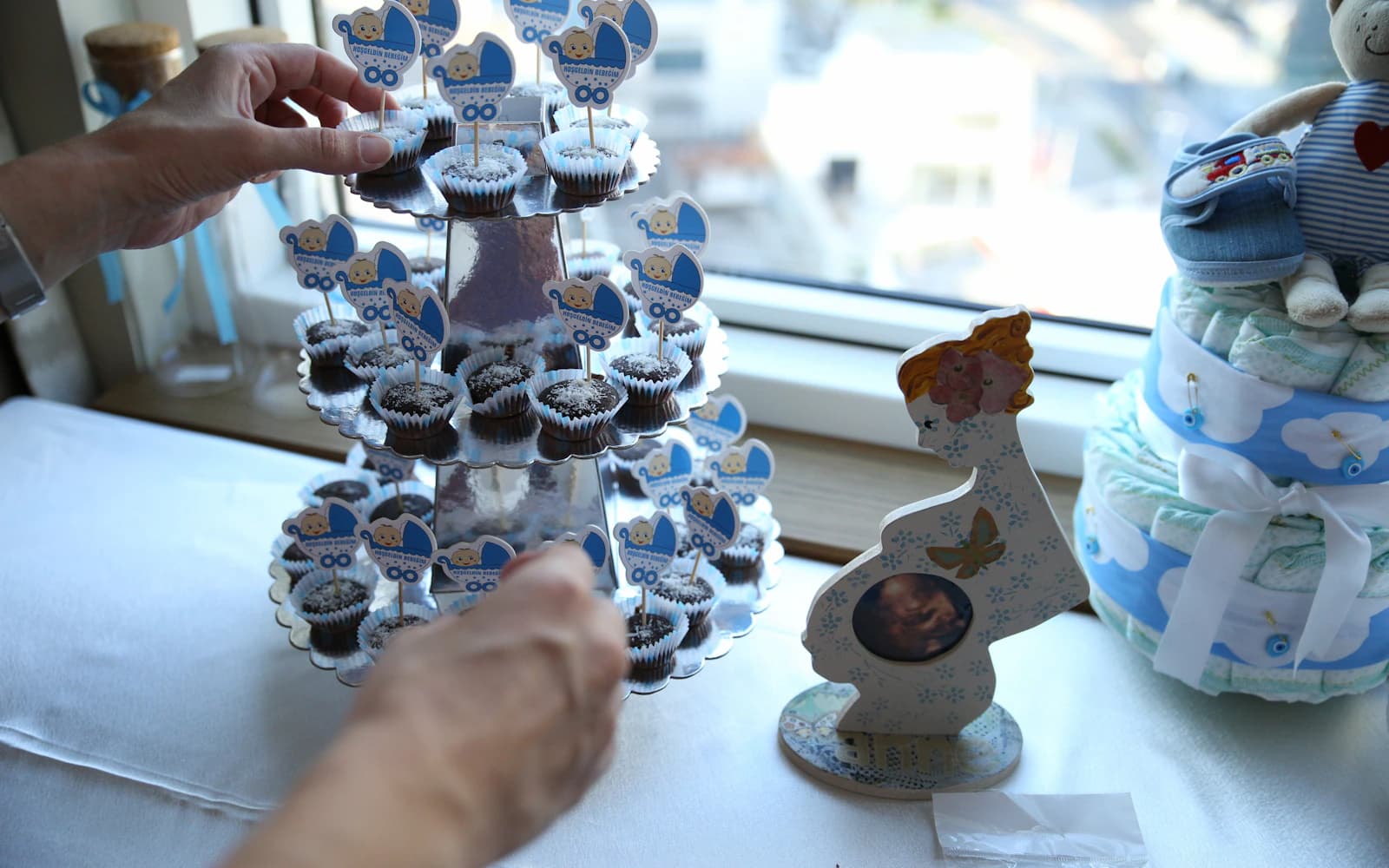
You’re trying to work out how much food to order for the baby shower. Some guests have replied to you, some to the parent-to-be, and a few have only reacted in the family group. Put the invitation and replies in one place, so you’re all counting the same people.
Give people somewhere to reply
An invitation image tells people about the day. It still needs a way to answer. Send your invitation link alongside the picture so guests can tap it.
With Harmony, guests open the link and reply. No app, no account for them. You’ll create an account to put the invitation together and keep track of replies.
If you already have a shower invitation image, you can keep it. Add the practical details beside it and share the invitation link in your message. Guests can enjoy the picture without having to work out how to answer.
Put the details where people can find them
Name the person you’re celebrating and say who’s hosting. Be clear about partners and children. Check any gift or registry note with the family before sending it.
Write the date, time, address, and reply deadline on the invitation page too. Nobody should have to zoom into a picture to find out where to go.
Say whether you’re serving lunch, afternoon tea, or snacks. Guests can plan around that without having to ask the person you’re celebrating. Include an end time if there’s a clear one, particularly for a gathering at home.
For a surprise shower, name a host guests can contact directly. Put any arrival instructions near the top and check that the parent-to-be isn’t included in the chat where you’re arranging it.
Ask what you need for the day
Ask how many people are coming and whether they have any dietary needs. That’s usually enough to plan the food.
If an answer is unclear, ask. “We’re coming” is lovely to hear, but you still need to know how many chairs to put out.
If children are welcome, ask how many adults and children to expect when that affects seating or food. If the gathering is for adults, say so in the invitation rather than hoping people will infer it from the venue.
Keep personal questions off the RSVP unless there’s a reason to ask. You need enough information to welcome people and feed them. Guests don’t need to answer a quiz about the family to say they’re coming.
Agree gifts and themes with the family
A registry link, a request for books, or a particular dress colour can all go on the invitation if that’s what the family wants. Keep requests clear and give people room to attend without buying or wearing something special.
If gifts aren’t wanted, a plain sentence is enough. Don’t add gift instructions just because the invitation has space for them.
No gifts
Please don’t worry about a gift. We’d just love to spend the afternoon with you.
An optional registry note
If you’d like gift ideas, the family’s registry is here: [registry link].
Send a short note with the link
WhatsApp, text, or email: use whichever your guests actually read. A personal opening and a clear reply date are enough.
Send the message from someone guests recognise. If you’re inviting relatives who don’t have your number, introduce yourself as the host before the link. It saves them wondering who has just asked them to open something.
A message to adapt
We’re having a baby shower for [name] on [date] at [time], [venue]. We’d love you to come. Details and RSVP by [deadline]: [invitation link].
Keep the replies together
Some people will still call you. Add their answer to your guest list so you don’t chase them again. Before the deadline, check who hasn’t answered and send them a personal reminder.
If the time or venue changes, update the invitation and message your guests. They may not open the link again on their own.
If several friends are organising the shower, agree who will keep the guest list up to date. Otherwise, a yes sent to one host can still look like a missing reply to another. Before ordering food, check any answers that came through separately.
Frequently asked questions
Do guests need an app or account?
No. They open your invitation link and reply. You need an account to create the invitation and manage replies.
Can I use an invitation image I already have?
Yes. Add it to your invitation, then write the date, address, and reply deadline on the page. Share the link alongside the image.
Should the registry go in the first message?
It can sit with the full invitation details so the first message stays focused on inviting someone. Include it only if the family wants it shared, and keep the wording optional.