
BEFORE YOU INVITE YOUR PEOPLE
Best free digital invitation tools: choose by occasion
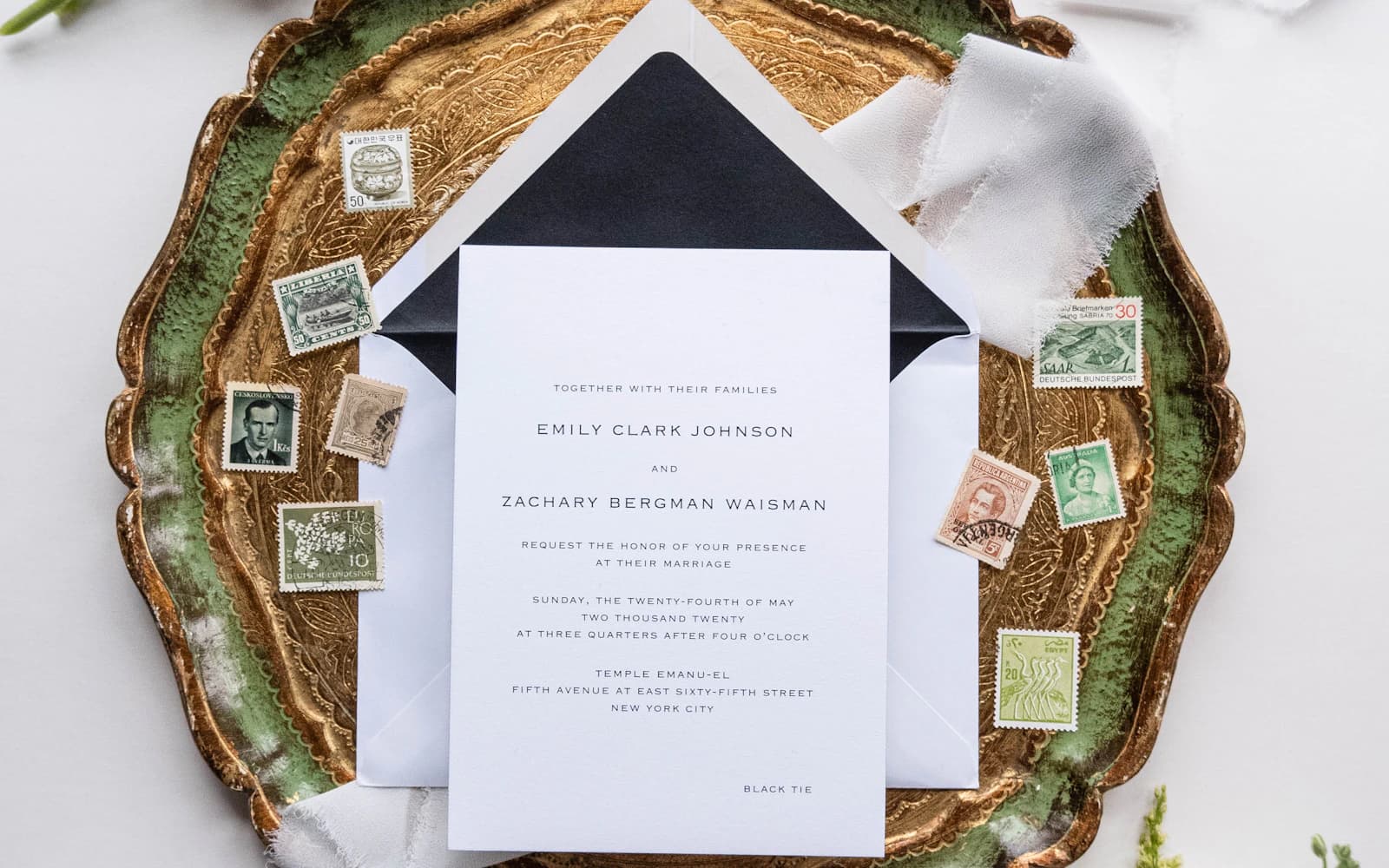
The invitation says “free.” Then you pick a design and find there’s more to check. Before you spend an evening getting it ready, look at what’s included for the invitation you actually want to send.
Check more than the design
Can you share it where your guests read messages? Can they reply? Can you ask about food? Check the total cost for your guest list, including any extras you’ve chosen.
This post is written by The Harmony Team. The linked pages explain each service’s offer; check them before deciding, because prices and included features can change.
Make a rough guest list before comparing prices. Count people as well as households, and check how each invitation charges for sending if there’s a cost. A design that fits the budget for a small dinner may be a different decision for a large wedding.
List anything you already have, such as a photo or finished invitation image. You may need somewhere to put it and collect replies more than you need another afternoon choosing artwork.
Start with what you need
Harmony brings the invitation and replies together on one page. Guests don’t need an app or account. Invitations, sharing, and guest and RSVP management are free forever. The paid plan adds advanced design controls, email invitations and messages, and custom RSVP questions about dietary needs, travel plans, and more. Those extras are free for now too. See the pricing page for both plans and the current offer.
Evite has free invitations alongside paid choices. Paperless Post also has a free selection and paid options. If you like a design, check what it will cost to send before filling in every detail.
Partiful offers party invitations shared by link, with no app needed to reply. Check the guest reply steps as well as the price. Joy offers a free wedding website and online RSVP if you want more room for wedding details.
Think through the occasion you’re actually hosting
For a wedding, you may need several arrival times, travel notes, and food choices for each person. Check whether you can explain those clearly without crowding the invitation.
For a baby shower, the useful details may be who’s hosting, whether children and partners are included, what food is planned, and any gift wishes agreed with the family.
For a birthday, the questions depend on the party. An activity booking needs the number taking part. A children’s party needs clear adult arrangements. A surprise needs arrival instructions that guests can find quickly.
Try the invitation before sending it
Put in your date, address, and the questions you need answered. Ask someone to open it on their phone and try replying.
Check a household reply too. If four people are coming and you need their meal choices, make sure the question gets you four clear answers.
Try an answer from someone who can’t attend as well as someone who can. The invitation should make either reply comfortable. You want an accurate answer, including the noes, so you can stop wondering.
Ask your test guest what they think happens next. Do they know whether their reply includes their partner? Do they know whom to message if plans change? Those details matter more than a long list of things you might never use.
Read the offer for the invitation you chose
A free starting point and a free finished invitation can mean different things. Before you send, look at the total for the design, the number of recipients, and any extras you’ve added.
If you’re paying for something, make sure it matters to your plan. You might care deeply about a particular invitation design, or you might mainly need a clear address and reliable headcount. Either is a reasonable place to spend your attention.
Keep the guest’s side in mind too. Try opening and answering the invitation without your own host account already signed in, so you can see what someone else will be asked to do.
Choose, then keep the replies together
Once people start answering, moving to another invitation means checking the old replies and explaining the change. It’s worth trying the link first.
Some guests will still call or send a message. Keep their answers beside the rest so you have one headcount.
If someone else is helping with invitations, agree which guest list you’re using and who will add phone replies. Two people keeping separate counts can create more work than the invitation saves.
Before confirming food or paying for places, check the uncertain answers and any replies that came through twice. Whichever invitation you choose, a few direct conversations will still be part of hosting.
Frequently asked questions
Is there one best choice for every occasion?
No. Start with the invitation you want to send, the answers you need, and what your guests will be comfortable opening.
Does free include every design and extra?
Often it doesn’t. Check your selected design, guest count, and any extras before sending.
Can I use artwork I already have?
If that’s important to you, check that the invitation you choose lets you add your own image. Then try it on a phone with the date, address, and reply instructions written beside it. A picture shouldn’t be the only place guests can find those details.