
BEFORE YOU INVITE YOUR PEOPLE
Free digital wedding invitations with RSVP
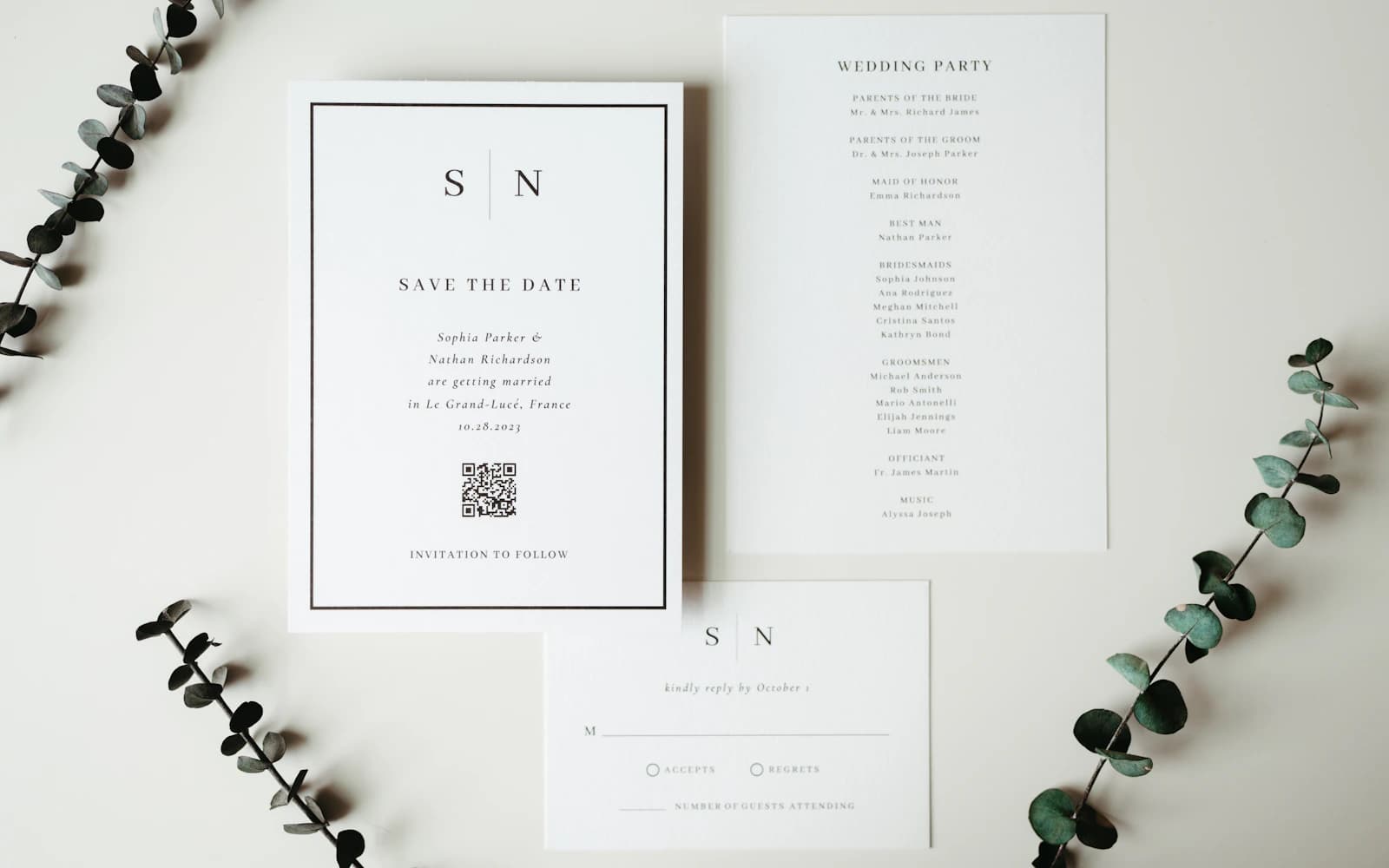
You’ve found a wedding invitation you like. Now you need to know who’s coming. Otherwise, the replies end up split between WhatsApp, phone calls, and a spreadsheet you keep meaning to update. Give everyone one place to reply.
Give people somewhere to reply
An invitation image tells people about the day. It still needs a way to answer. Send your invitation link alongside the picture so guests can tap it.
With Harmony, guests open the link and reply. No app, no account for them. You’ll create an account to put the invitation together and keep track of replies.
Before you settle on a free invitation, check what happens after you’ve chosen the picture. You need room for the day’s details, somewhere for guests to answer, and a way to read those answers together. A free image on its own leaves the counting to you.
Put the details where people can find them
Give the ceremony and reception their own times. If they’re at different venues, include both addresses. Say which parts of the day your guest is invited to.
Write the date, time, address, and reply deadline on the invitation page too. Nobody should have to zoom into a picture to find out where to go.
Think about the questions you’d get the night before: Which entrance? Is dinner at the same place? What time should we actually arrive? Include confirmed details that help someone get there. You don’t need to turn the invitation into a travel brochure.
For guests coming from another city or country, write the month in words and make clear that the times are local to the venue. Add hotel or transport information only when it’s confirmed. “We’ll share transport details later” is more useful than a plan that keeps changing.
Ask what you need for the day
For dinner, ask for each person’s name and meal choice. Two guests coming doesn’t tell you whether you need one vegetarian meal or two.
If an answer is unclear, ask. “We’re coming” is lovely to hear, but you still need to know how many chairs to put out.
Decide who each invitation covers before sending it. Name invited partners and explain whether children are included. It feels slightly awkward to write this down, but it’s easier than discovering an extra household when you’re confirming dinner.
Leave the guest reply deadline a little earlier than your venue’s final deadline. You’ll want time to ask about missing meal choices and speak to people who are still arranging travel.
Send a short note with the link
WhatsApp, text, or email: use whichever your guests actually read. A personal opening and a clear reply date are enough.
A message to adapt
We’re getting married! Please join us on [date] at [venue]. Ceremony at [time], dinner at [time]. Details and RSVP by [deadline]: [invitation link].
Check it as someone who wasn’t in the planning chat
Ask someone to open the invitation on their phone. Can they find the full address, understand which events they’re invited to, and tell where to reply? Let them try without talking them through it.
Check names, spelling, and dates on both the invitation image and the page. An updated time in one place won’t help if the picture still says something else. If a relative is helping you share it, send them the final message and link together.
Keep the replies together
Some people will still call you. Add their answer to your guest list so you don’t chase them again. Before the deadline, check who hasn’t answered and send them a personal reminder.
If the time or venue changes, update the invitation and message your guests. They may not open the link again on their own.
Keep an eye on uncertain replies too. Someone who’s hoping to come but hasn’t booked travel isn’t yet a confirmed place at dinner. A direct conversation is usually more useful than sending the same reminder to everyone.
Frequently asked questions
Do guests need an app or account?
No. They open your invitation link and reply. You need an account to create the invitation and manage replies.
Can I use an invitation image I already have?
Yes. Add it to your invitation, then write the date, address, and reply deadline on the page. Share the link alongside the image.
Can I send the same link by WhatsApp and email?
Yes. Use the same invitation link wherever you’re sending it. Choose the place each guest is likely to read, and keep any replies you receive by phone or message with the rest of your guest list.