
BEFORE YOU INVITE YOUR PEOPLE
Share a WhatsApp wedding invitation link
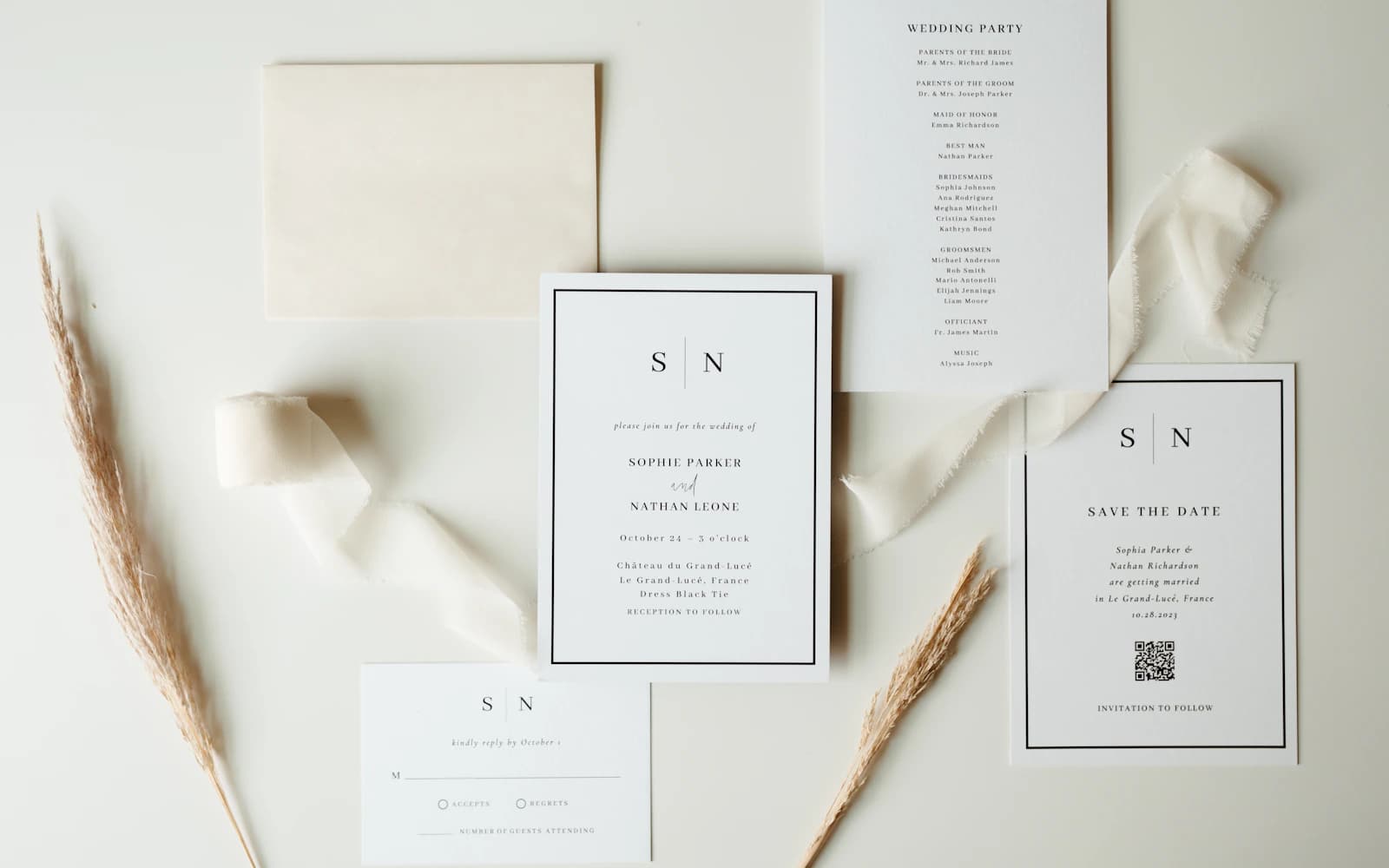
The wedding details are in the family WhatsApp group. So are three invitation images, two hotel suggestions, and an old message with the wrong arrival time. Guests shouldn’t have to piece the day together from the chat. Send one link with the current details and somewhere to reply.
Get the details ready first
Add the date, arrival time, full address, and reply deadline to your invitation. Open it on your phone and check that you can find each one.
Give the ceremony and reception separate times. If a guest is invited to only one, say so in their message.
For relatives coming from abroad, write the month in words and say that times are local to the wedding venue. Add the city alongside the venue name. What’s obvious to someone nearby can be unclear to someone booking flights.
If there are several wedding events, list each one with its own date, time, and address. Check what applies to each guest before you send the message. A general family forward can leave people unsure which parts they’re invited to.
Let the personal note explain who’s invited
Name the guest and any invited partner. If the message is for a household, say who you mean rather than relying on “you all.” This matters even more when a relative is helping distribute invitations.
Some family members will expect a phone call as well as a link. You can call to invite them, then send the page for the address, schedule, and reply. The invitation doesn’t have to replace the conversation.
Write the message you’d actually send
Start with their name, say what you’re inviting them to, and add the link. Paste the link into the message itself, even if you’re also sending an invitation image.
Keep the first message readable without opening anything: who’s celebrating, the date, and an invitation to come. The page can hold the full address and longer arrangements. If guests need to make travel plans, give them enough confirmed information to start.
Read the note once as if you’d received it from someone you hadn’t spoken to in a while. Would you recognise the occasion and know what to do next? A friendly sentence is more useful than a long formal opening.
A personal wedding invitation
Hi [guest name], we’d love you and [invited partner’s name] to join us for our wedding on [date] in [city]. Ceremony at [time], reception at [time]. The addresses and RSVP are here: [invitation link]. Please reply by [deadline].
Following a phone call
It was lovely speaking with you. Here are the wedding details for [date], including the address and timings: [invitation link]. Please add your reply by [deadline], with the number coming and any dietary needs.
Checking an uncertain reply
Hi [name], have you been able to confirm your travel for the wedding? We need to give the venue our numbers by [date]. Please let us know, or reply here: [invitation link].
Send it where they’ll see it
An existing family group can work if everyone in it is invited. Send individual messages when the invitation is for particular people. It saves the awkward question about who can bring whom.
Copy your Harmony invitation link into WhatsApp or your text app and send it. Guests open it and reply without an app or account.
Before sharing it widely, send the finished message to one person and ask them to open the link. Check the invitation, not just whether the message arrived. Make sure the date, address, and reply deadline agree with the image you’re sending.
If someone else is forwarding invitations for you, ask them to use the same link and keep the reply request in the message. Otherwise, guests may send their answers back to several different relatives.
A heart reaction isn’t a headcount
If someone answers in the chat, check how many people they mean and add the reply to your guest list. You’ll still have a little following up to do.
If plans change, put the new time or address in a message as well as on the invitation. Don’t leave people to discover the change when they’re getting ready to leave.
Read receipts only tell you a message was opened. They don’t tell you whether a partner is coming or whether a family needs three places or four. For an unclear answer, ask one direct question rather than guessing.
Before reminding someone, check whether they answered you elsewhere. Nobody enjoys being chased for a reply they already gave over the phone.
Send changes in the message itself
If the plan changes, begin with the change. Put the new time or address in the message so someone who reads only the first line still has the important detail. Keep the invitation page up to date as well.
For a last-minute change, contact anyone you haven’t heard back from. A message in a busy group can be missed, particularly when people are already travelling.
A change of venue
A change for [occasion] on [date]: we’ll now be at [new venue and full address]. The time is still [time]. We’ve updated the invitation too: [invitation link]. Please let me know you’ve seen this.
Frequently asked questions
Does Harmony send the WhatsApp message for me?
You copy the invitation link or prepared message into WhatsApp and send it yourself. You can also send invitations by email through Harmony.
What if someone would rather call?
Take their reply over the phone and add it to your guest list. Ask how many people are coming and any food questions you still need answered.
Should I send the invitation image or the link?
You can send both. Put the link in the message underneath the image so people can tap it. Keep the date, address, and reply instructions on the invitation page too.